

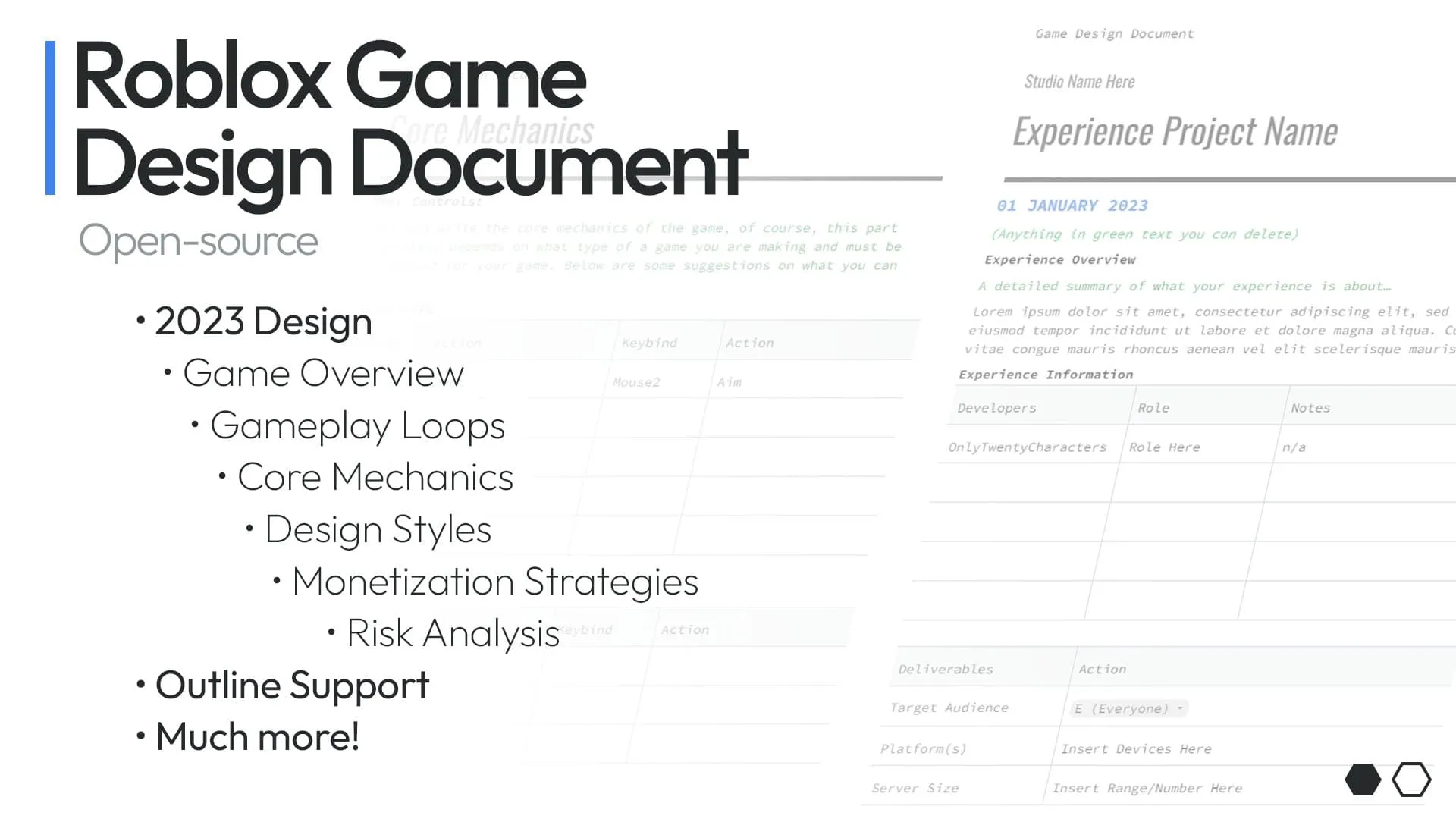
So far we have done our brainstorming and collected our ideas. We are starting to get our concept idea together, and created our first draft storyboards. Now it’s time to organize our ideas, concepts and storyboards into our rough draft game document.
The Rough Game Document
Basically, this is an extremely rough game document. Normally, what I do is find some finished game documents that I thought had good sections and nice organization, and then I combine them to make one whole rough game document. The rough game document is just a semi-organized list of questions and themes that, for the first part you will answer and fill out.
The Rough Game Document:
Game Name
(Subtitle or high concept sentence)

Copyright Information
Version Number
Author
Date

Table of Contents

- make sure this includes all subsections. This should be as detailed as necessarily possible. Using a hyperlink to the section would be helpful.

Design History

- This lists and quickly describes any changes in each major version of the document.

Tech Specs

Platform

General Tech Type

sidescroller, 3D, 2D, 2.5D, space, etc.

Primary Inputs

controllers, mouse, keyboard, touch screen, etc.

Environmental Rendering

How will the environment be handled in this game?

Character / Object Rendering

What kind of character system will be utilized?

Sound

Music

What kind of music?
Will it be interactive?

Lighting

not all games have this

Target Resolution

not all games have this

Tools / Software Needed / Used

not all games have this
Now that we have our game document outline for our sidescrolling, platform game we can start editing it, and adding details. Basically, any sketches of levels, characters, obsticles, etc. that we have, we should. We also need to edit it so that the title page says the game name, which version of this document it is, and to make the document start to look more professional. Remember, you will probably need to submit this with the game when it is submitted for certification.
What to Do with this Game Document?
Now, this is not going to be the copy of the game doc you submit with the finished game, but it is a good idea to get it to start looking like a professional game document. As you finish concept sketches, place them into the game document. As character descriptions are finalized, ad them to the game doc. You will also need to create a Table of Contents for everything. I will be using Microsoft Word 2010, because this software offers easy ways to create the Table of Contents that will auto update the page numbers, and it also allows me to insert images, but you can use whatever text platform you like.
Changes to Your Game Document
When you make change to the document, don’t forget to update the Design History, stating what was updated, and if any details were changed. Now, I will probably be editing this document for a while, even after I start getting the initial code into the game itself. Truly, you will want to give yourself a time limit as to when you want the game document “finished” (finished enough so that if someone else looked at it, they could create your game for you), so that you can start to get the programming and final artworks.
The time frame for “finished” is truly up to you, but I wouldn’t want to spend any more than a one to three months on a game document. I know I currently have to work on my games in my free time because I have a normal day job, so three months to get the game doc done will probably be my goal.